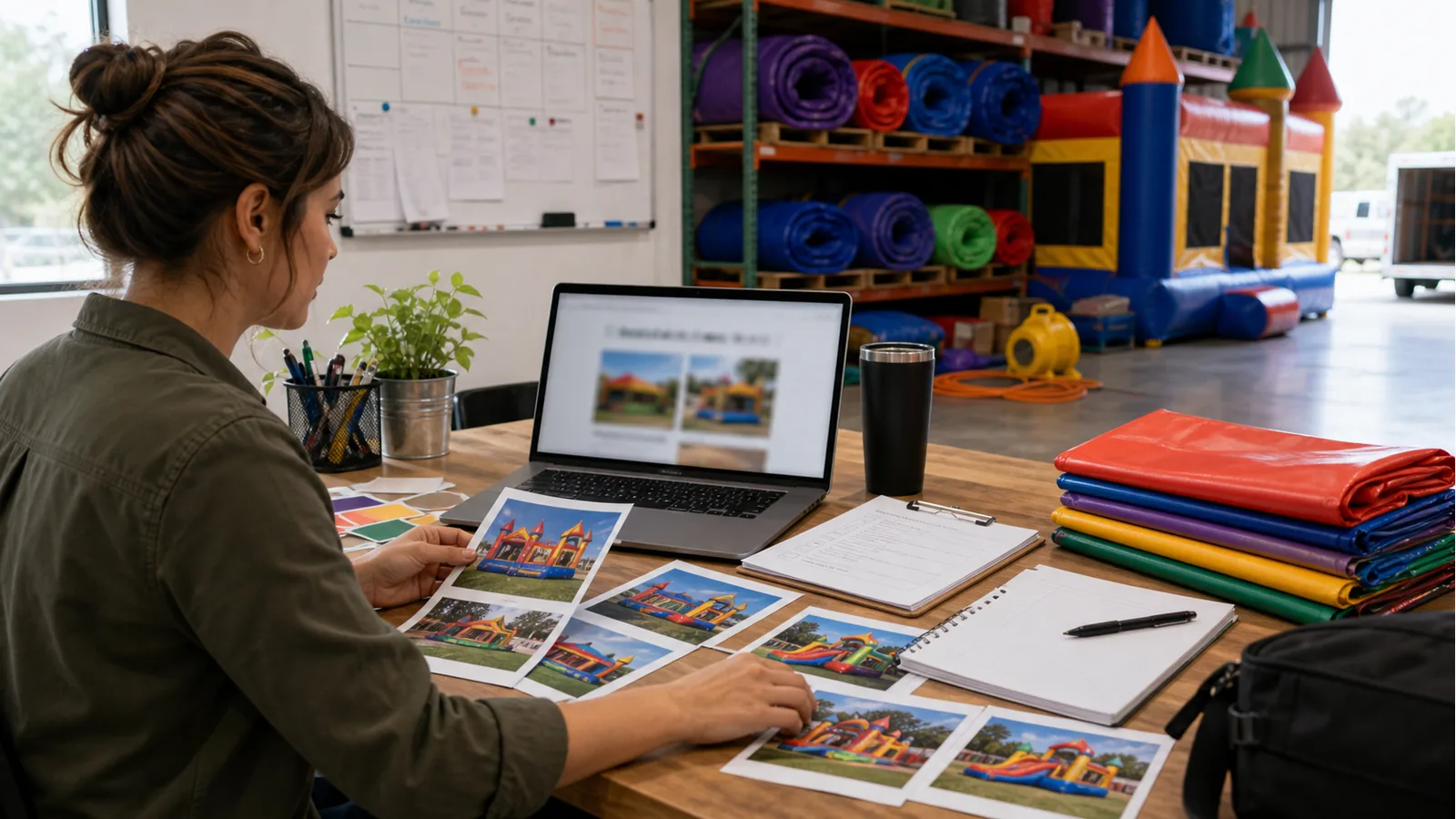
A bounce house website has to serve impatient customers and cautious operators at the same time. Parents, schools, churches, and city staff want to see units quickly, but the owner still needs enough context to check delivery, setup, safety, and availability.
The right structure helps both sides. Customers can browse categories and request what fits their event, while the business receives a cleaner inquiry instead of a vague message asking for prices.
Build around how parents and organizers shop
Bounce house customers often arrive with a type of event in mind: birthday party, school field day, church event, city event, graduation, or family celebration.
The website should help them move from event idea to inflatable category to quote request without forcing them to understand the owner’s internal inventory system. That structure also makes follow-up easier because each request arrives with context instead of a vague message asking for prices.
Give each rental category a useful page
A strong inflatable website usually needs separate pages or sections for bounce houses, combos, water slides, obstacle courses, concessions, and add-ons.
Each page should explain what the category is good for, what setup details matter, and how customers request availability.
Put safety and setup notes where they reduce friction
Safety copy should not feel like a legal wall. It should answer common questions before they become phone calls: surface, space, power, weather, supervision, and delivery requirements.
Clear notes make the business look more professional and help filter requests that are not realistic.
Use photos that show scale and condition
Inflatable photos should show the unit clearly, but also show the kind of space it needs. A close crop can make a bounce house look exciting while hiding the setup reality.
Use a mix of full-unit photos, event setup photos, detail photos, and category thumbnails. The goal is to answer buying questions, not just decorate the page.
Make the mobile path obvious
Many bounce house customers browse from their phone while planning with family or school staff. The mobile website should make quote request buttons, phone, service area, and category navigation easy to reach.
If the customer cannot request a date from the unit page, the website is leaking demand after doing the hard work of getting the click.