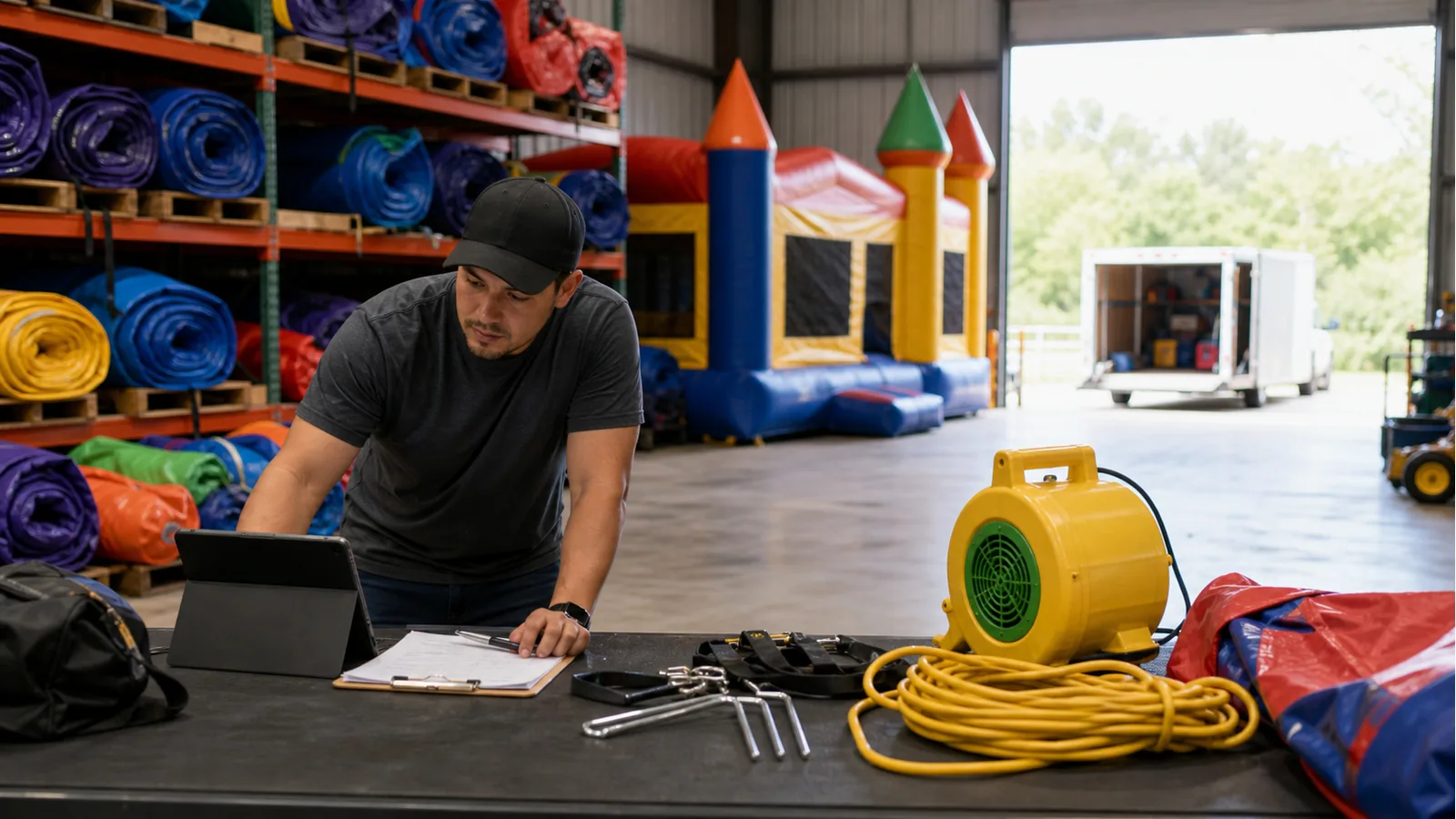
A bounce house rental business does not buy software for the calendar alone. The real value is whether the system helps the owner answer a customer quickly while still checking the unit, route, setup conditions, crew capacity, and return window before making a promise.
This checklist is meant to be read like an operator would use it: from the public website through the quote request, then into inventory protection and follow-up. If a tool makes any of those steps feel disconnected, the owner usually ends up copying details by hand again.
Start with the work that happens before a booking
Bounce house customers usually want a fast answer, but the owner has to check more than a calendar. The event date, delivery ZIP code, setup surface, weather policy, unit condition, blower requirements, and pickup timing can all change whether the job is workable.
Good software should help the customer send a complete request without making it look like the booking is final. That protects the business from promising a unit before the route, crew, and inventory are checked.
Make the inflatable catalog clear enough to reduce phone calls
A catalog should help parents, schools, churches, and city staff understand what each unit is, who it fits, and what details matter before requesting a quote.
The best catalog pages do not need to behave like an instant checkout. They need strong photos, clean categories, accurate descriptions, and a request path that sends item context to the owner.
Check for real inventory protection
Inflatable inventory gets risky when a unit is promised from memory, written on paper, and later added to a calendar. A double-booked bounce house is not just a scheduling mistake; it can turn into a refund, a bad review, and a damaged relationship with a repeat customer.
Software should let the owner reserve a unit for an event, see overlap warnings, and track what is out, what is due back, and what returned damaged or missing.
Do not ignore delivery and pickup capacity
A bounce house may be available, but the route may not be. Many inflatable operators lose control when too many deliveries land in the same morning window or too many pickups land after a long event day.
Look for a workflow that separates customer request times from owner confirmation. The website can collect preferences while the dashboard keeps final scheduling under the business owner’s control.
Use the website as part of the software, not an afterthought
For many inflatable companies, the website is where the software starts. If the public site looks weak, loads slowly, hides the catalog, or buries the quote form, the owner never gets the request in the first place.
When comparing tools, look at the customer path from Google search to unit page to quote request to owner follow-up. A strong bounce house workflow should reduce back-and-forth, not add another place to copy information manually.